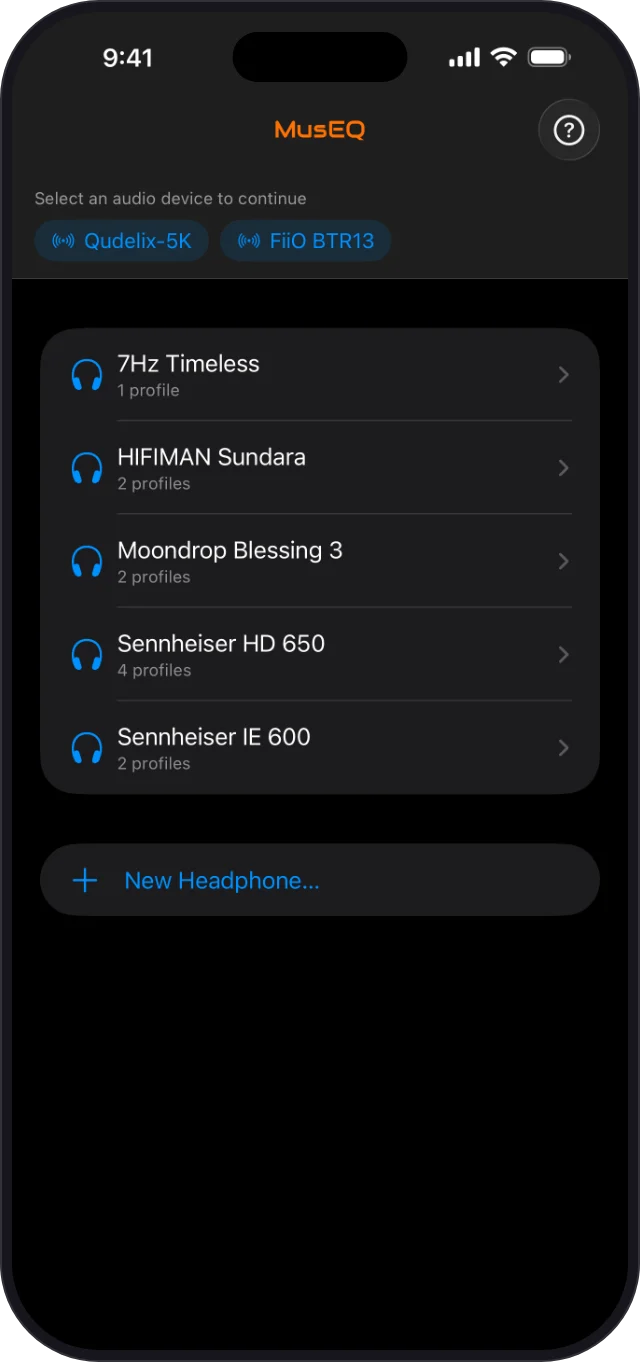
Pick your headphones, tap a profile, and MusEQ mobile sets the parametric EQ built into your Qudelix 5K or FiiO BTR13 in seconds. It's far simpler than your DAC maker's app.
Requires a Qudelix 5K or FiiO BTR13 and iOS 17.6 or later.
MusEQ mobile sets the EQ built into these Bluetooth DAC/amps. You need one of them for it to change your sound.
Bluetooth DAC/amp
Bluetooth DAC/amp
Have a different DAC? Tell us which one. Hearing from you helps us decide what to support next.
No sliders to drag, no filter values to type in, no preset slots to manage.
Turn it on and tap its name at the top of the screen. MusEQ mobile remembers it for next time.
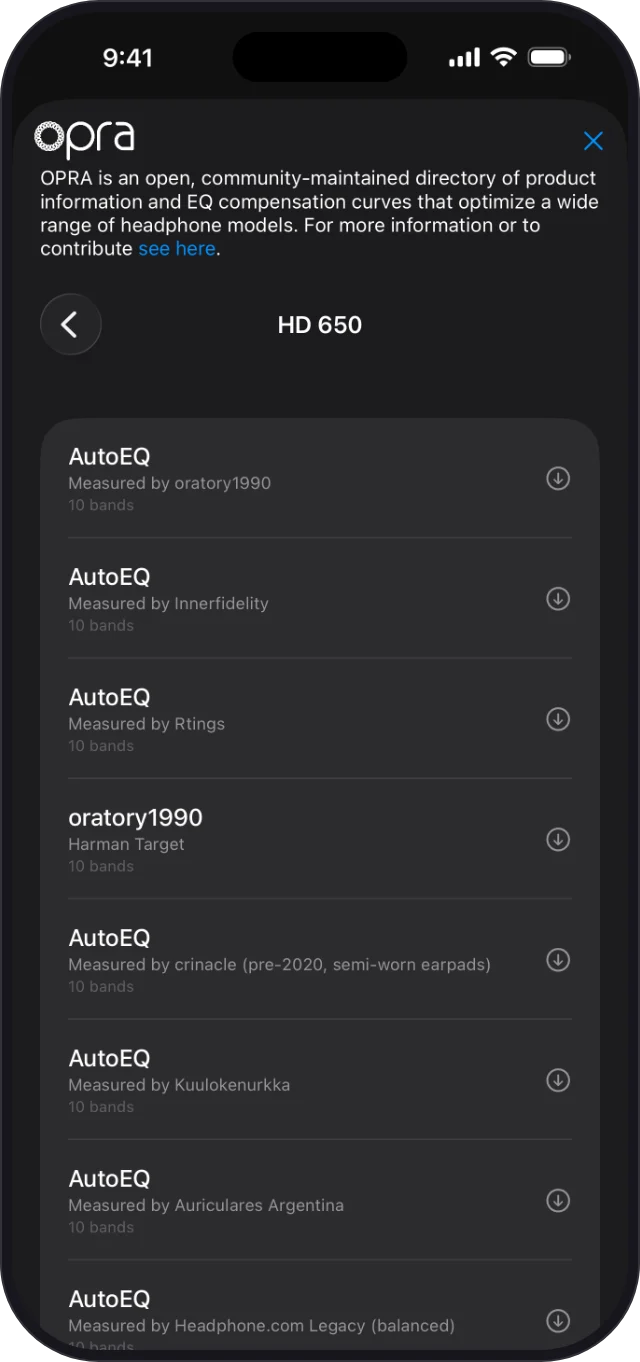
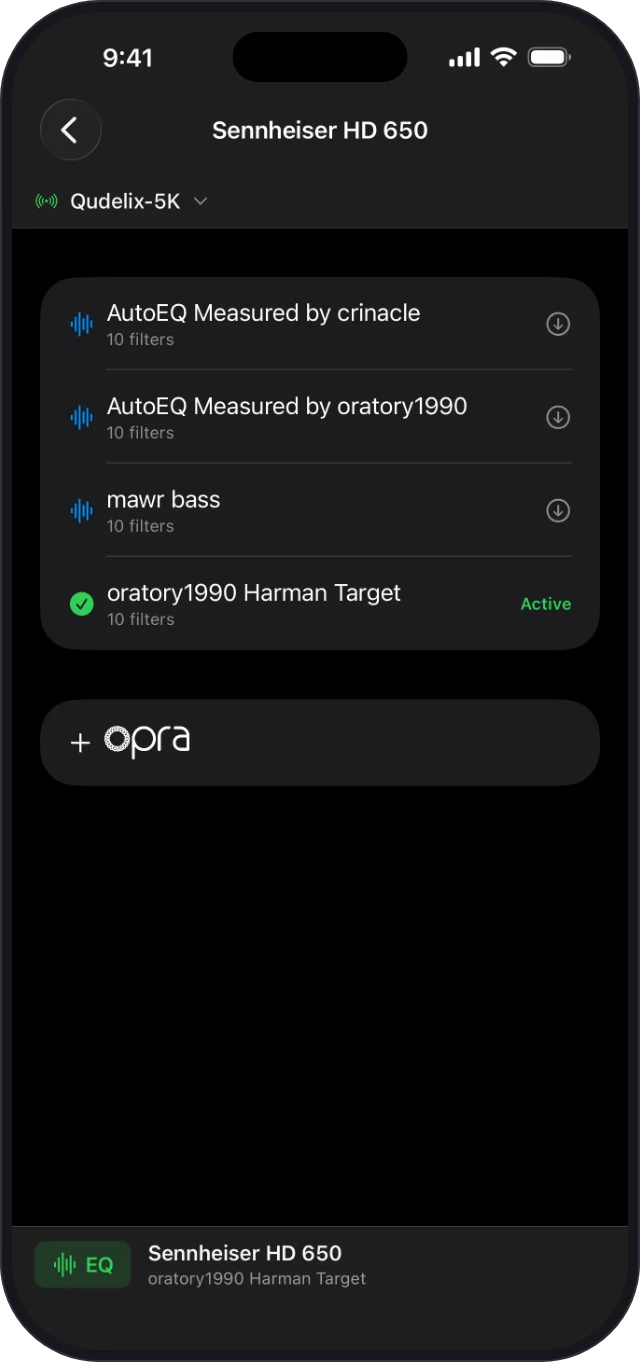
Add your headphones, open the OPRA library, and import a profile made for your model.
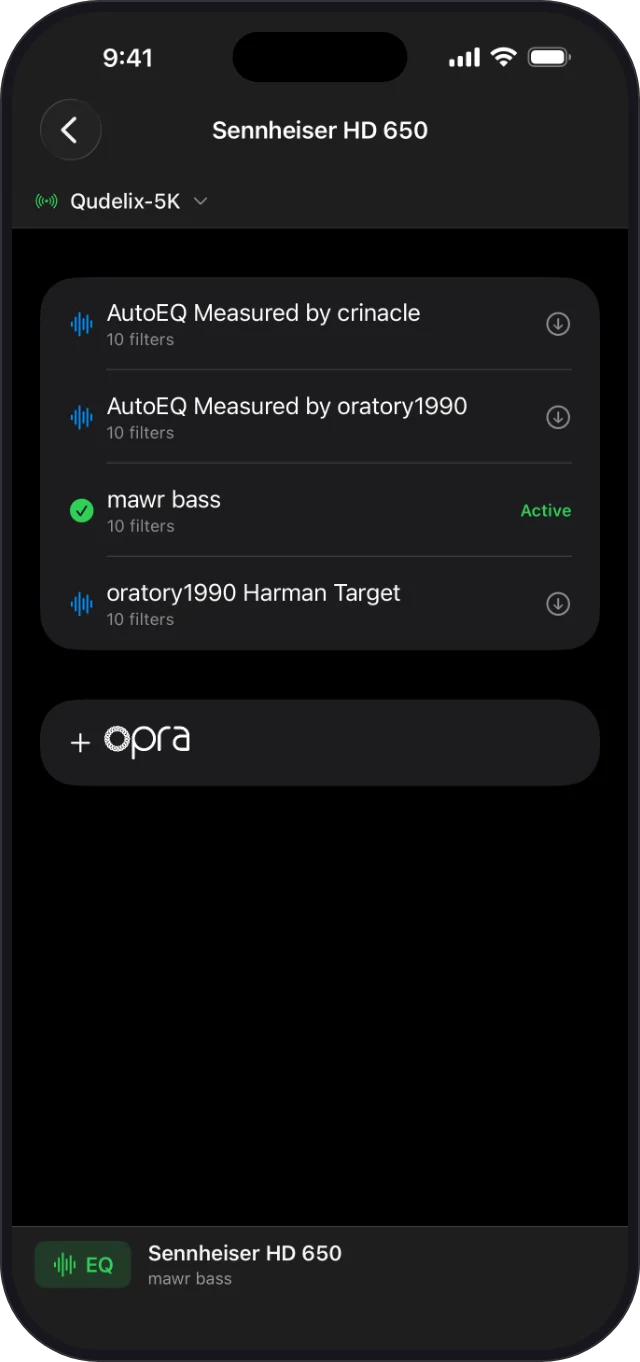
Your DAC's EQ is set in seconds, and a green checkmark shows which profile is active.
OPRA is an open, community-maintained database of headphone EQ profiles, including measurement-based profiles from AutoEQ and oratory1990. MusEQ mobile builds it in, so the right profile for your headphones is a search away.
MusEQ mobile uses Bluetooth only to control your DAC. Your music can take either path, and the EQ applies both ways.
Your iPhone streams to the DAC over Bluetooth, and MusEQ mobile controls its EQ over the same connection.
Plug the DAC into your iPhone and use it as a USB DAC while Bluetooth handles control. On the BTR13, choose Phone mode.
All of this works with just your iPhone and your DAC.
Tap a profile and it's on your DAC. A green checkmark shows which one is active.
Tap EQ to turn your DAC's EQ off and on and hear exactly what a profile does.
Each profile's preamp is sent along with its filters to help prevent clipping.
The EQ runs inside your DAC, so it applies to everything you play and keeps working after you close the app.
Keep several profiles for each of your headphones and IEMs, and switch between them in seconds.
It reconnects and re-applies your last profile when you open it.
With iCloud Drive on, your headphones and profiles are stored in your iCloud account and follow you to a new iPhone.
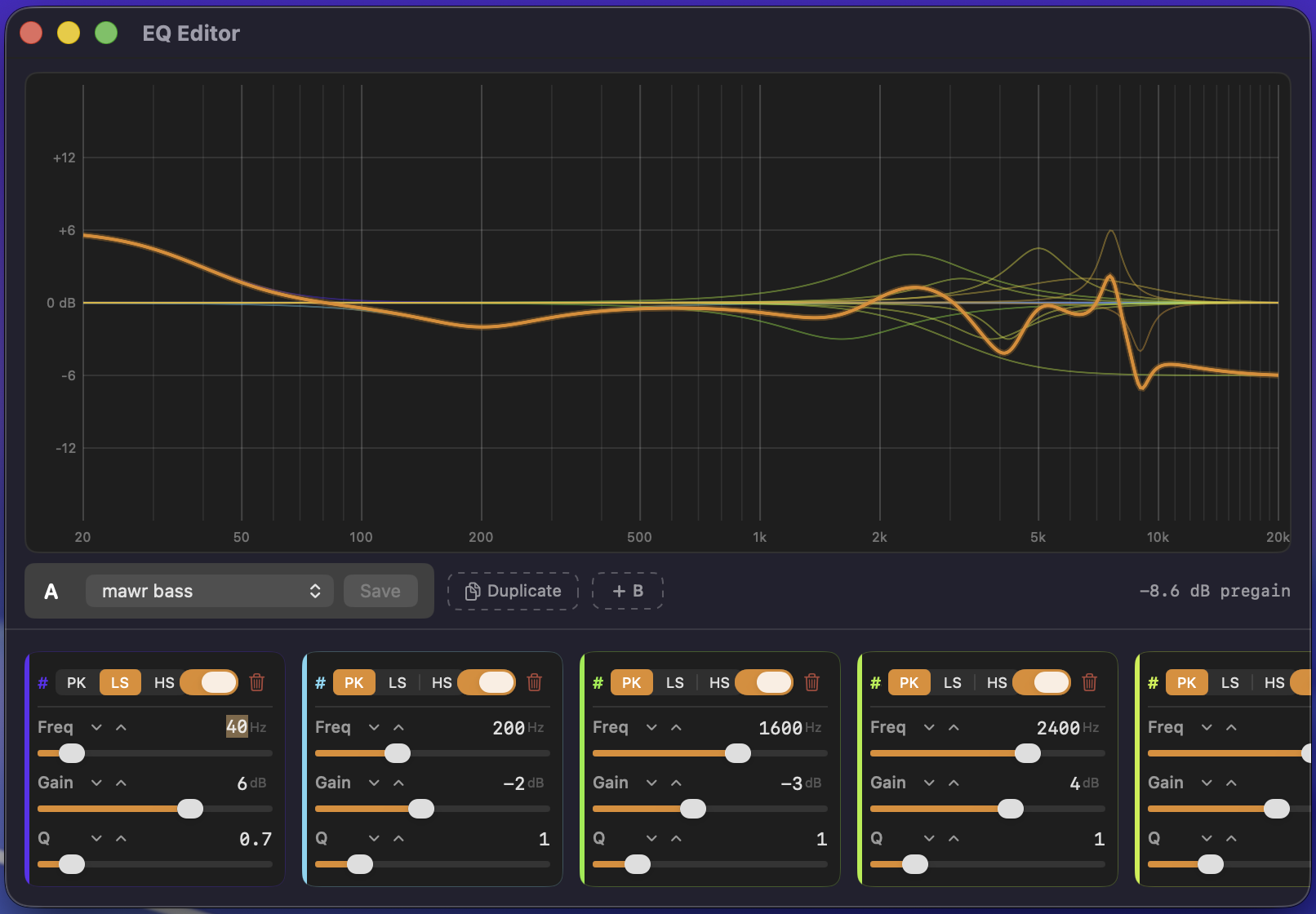
MusEQ for Mac adds bit-perfect Apple Music playback and a full parametric EQ editor. Every headphone and profile you create or fine-tune there appears in MusEQ mobile through iCloud, ready to send to your DAC.
It works the other way too: profiles you import on your iPhone show up on your Mac. Just use the same Apple Account with iCloud Drive turned on.
Learn about MusEQ for Mac
OPRA EQ data is provided by the OPRA project under the CC BY-SA 4.0 license. Qudelix and FiiO are trademarks of their respective owners; MusEQ is not affiliated with Qudelix or FiiO. Apple, the Apple logo, iPhone, and iCloud are trademarks of Apple Inc., registered in the U.S. and other countries. App Store is a service mark of Apple Inc.